Slow computer tune-up
Slow computer fixes in Rock Hill, SC
Five minutes to boot, a spinning wheel every time you open a program, and a fan that never quiets down.
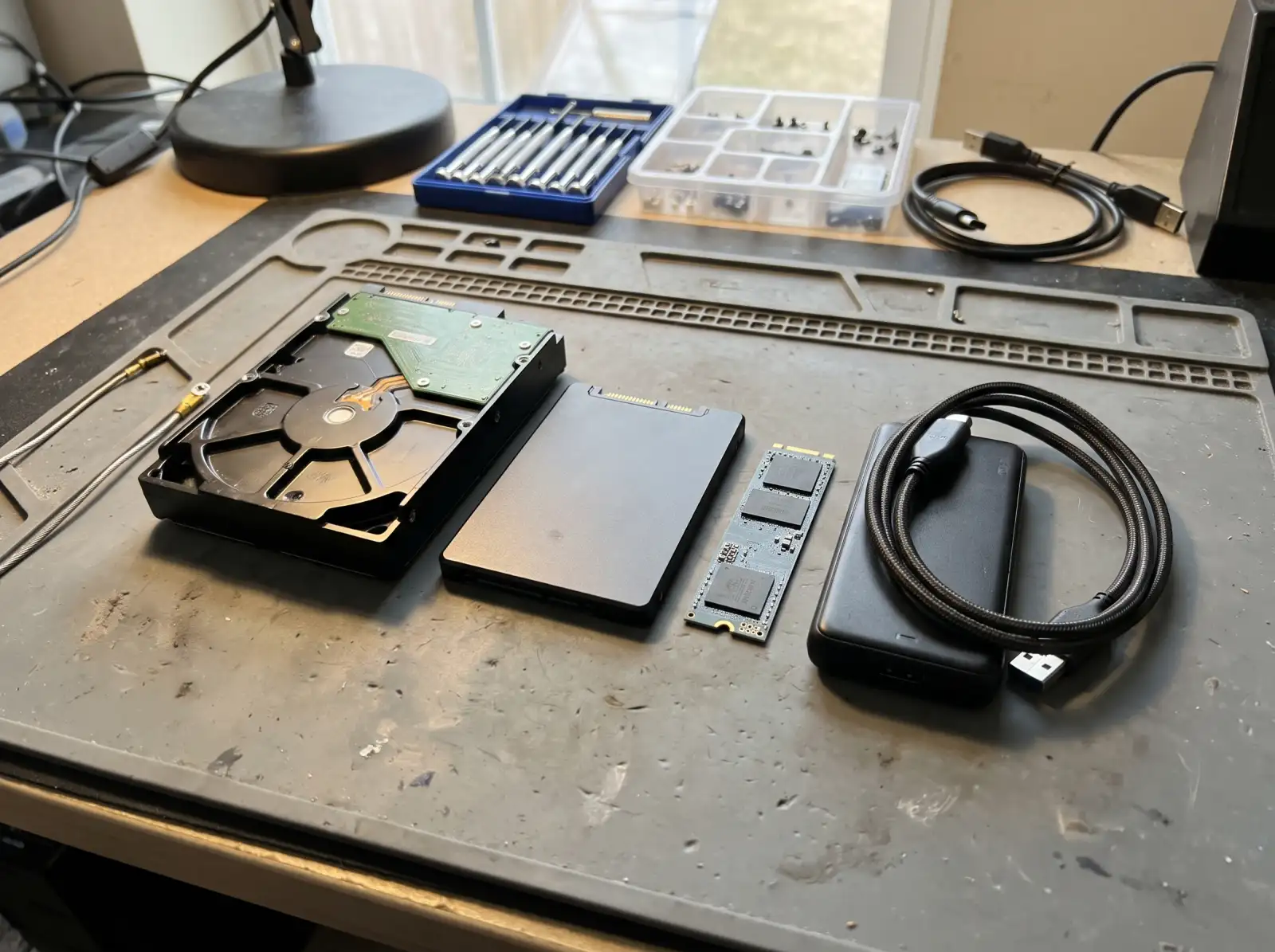
The usual causes, most common first
- An old spinning hard drive. If the computer is several years old and still runs Windows on a mechanical hard drive, that is very often the whole problem. Replacing it with an SSD is the biggest speed jump an older computer can get. See SSD and RAM upgrades.
- Too many programs starting with Windows. Check yourself: press Ctrl + Shift + Esc to open Task Manager and look at Startup apps. Anything marked "High" impact that you don't need at startup can be disabled there.
- A nearly full drive. Windows slows down and updates start failing when the system drive gets close to full.
- Not enough memory. Microsoft's minimum for Windows 11 is 4 GB of RAM. In practice, a browser with a dozen tabs open plus Windows will push 8 GB hard.
- Heat. A clogged fan makes the processor slow itself down to stay cool. If the fan is loud all the time, dust is a good bet.
- Malware or junk software. Adware and "PC cleaner" programs slow a computer down while claiming to speed it up.
A failing drive can look like a slow computer
If the slowdown came on suddenly, files take forever to open, or you hear clicking, the drive may be failing. Back up your files now, before anything else. See data recovery if it's already too late for that.
What a tune-up includes
A real tune-up checks the drive's health first, then clears out startup clutter and junk software, makes sure Windows Update finishes cleanly, checks temperatures and fans, and tells you whether an SSD or more RAM would make a meaningful difference on your specific machine.
Common questions
Why is my computer so slow all of a sudden?
A sudden slowdown is often a Windows update running in the background, a failing hard drive, malware, or a drive that just filled up. A failing drive is the one to rule out first, because waiting can cost you files.
Will adding RAM speed up my computer?
Only if the computer is running out of memory. If Task Manager shows memory near full while you work, more RAM helps. If the computer still uses a spinning hard drive, an SSD usually helps more.
Do PC cleaner programs work?
Most of the ones advertised in pop-ups do more harm than good, and some are adware. Windows has its own Storage Sense and startup controls built in.
Can an old Windows 10 computer be sped up?
Often, yes, especially with an SSD. Keep in mind that Microsoft ended regular support for Windows 10 on October 14, 2025, so it's worth checking whether the computer can run Windows 11 before putting money into it.
Not sure what's wrong with it?
Describe what it's doing in plain words. That's enough to get started.
Start with the problem, not the jargon.
You don't need to know what part failed. Tell us the make if you know it, what the computer is doing, and when it started. We'll reach out the way you choose and talk through next steps.
- Windows laptops and desktops, Macs, gaming PCs
- Homes and small offices
- Rock Hill, Fort Mill, Tega Cay, York, Clover, Lake Wylie, Indian Land
Helpful if you have it: a photo of any error message, and the model number (usually on a sticker underneath a laptop or on the back of a desktop).