Small business IT
Small business IT support in Rock Hill, SC
For offices without an IT person: the printer nobody can print to, Wi-Fi that drops in the back room, and the new hire who needs a computer by Monday.
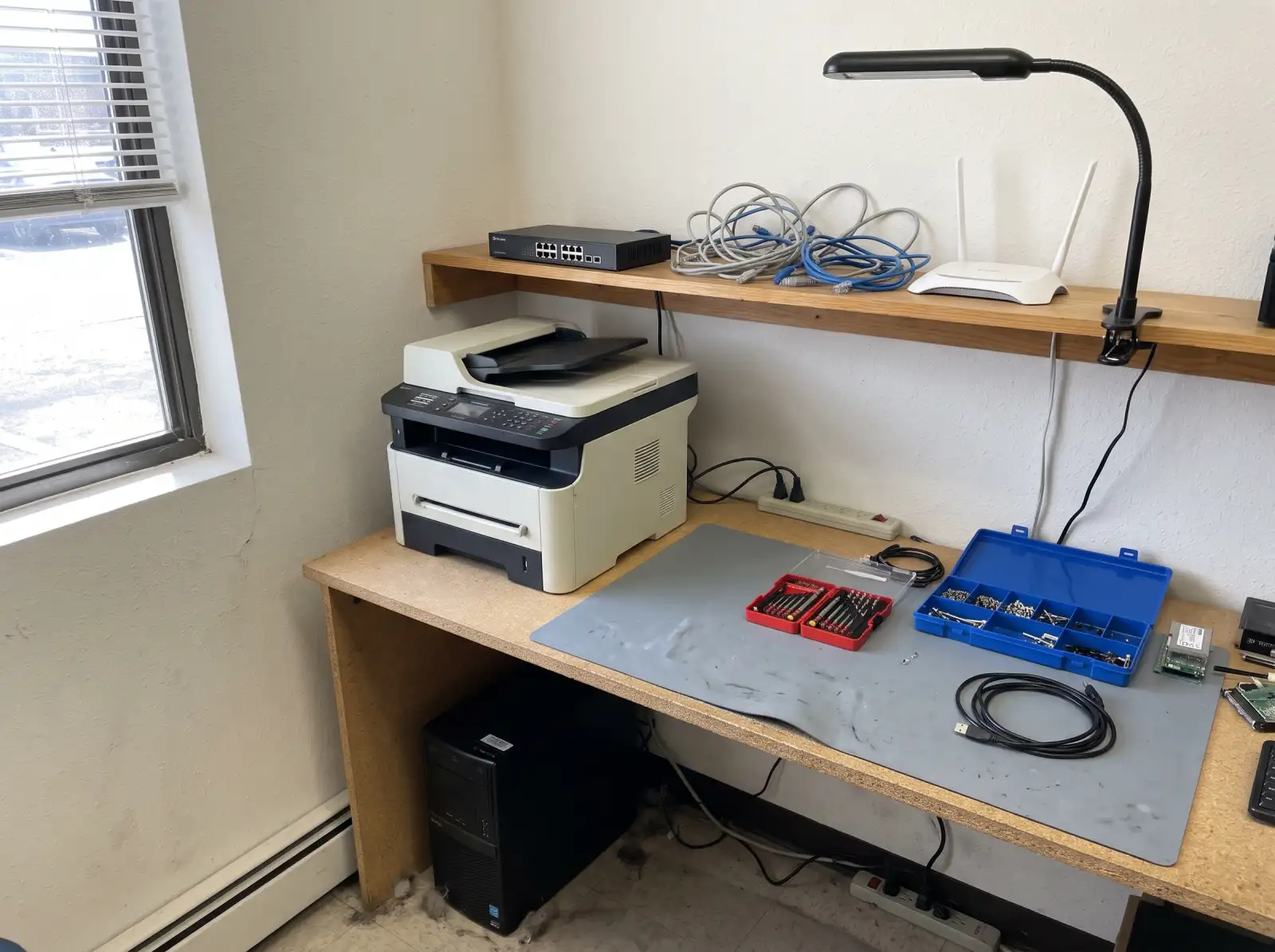
What small offices usually need
- New computer setup. Unbox, update, install the programs the job needs, move files over, connect printers and shared drives.
- Wi-Fi and network problems. Dead spots, a router that needs rebooting every week, and too many devices on one consumer router.
- Printers and scanners. Shared printers that drop off the network, scan-to-email that stopped working.
- Email and accounts. Microsoft 365 or Google Workspace mailboxes, shared calendars, and turning on two-step sign-in.
- When someone leaves. Shutting off their access, keeping their files and email, and handing the computer to the next person.
- Backups. Making sure there is one, and that it actually restores.
Backups that work
The common rule is 3-2-1: three copies of important data, on two different kinds of storage, with one copy kept off-site or in the cloud. An external drive that stays plugged in all the time doesn't count as off-site, and ransomware can encrypt it along with everything else. The only real test of a backup is restoring a file from it.
Turn on two-step sign-in
The most common small-office break-in is a stolen email password. Two-step verification (a code or app prompt on top of the password) stops most of those. Microsoft 365 and Google Workspace both support it for every account.
Common questions
Do you support offices outside Rock Hill?
Yes, across York County and nearby Indian Land. See service areas.
Can you set up computers for a new employee?
Yes. Say what programs and accounts the person needs and when they start.
Why does our office Wi-Fi keep dropping?
Common reasons are a router struggling with too many devices, a single router trying to cover too much space, interference, or old firmware. Moving to a mesh or wired access points often fixes it.
What should we do when an employee leaves?
Change shared passwords they knew, turn off their accounts, keep a copy of their email and files, and check for company data on personal devices.
Not sure what's wrong with it?
Describe what it's doing in plain words. That's enough to get started.
Start with the problem, not the jargon.
You don't need to know what part failed. Tell us the make if you know it, what the computer is doing, and when it started. We'll reach out the way you choose and talk through next steps.
- Windows laptops and desktops, Macs, gaming PCs
- Homes and small offices
- Rock Hill, Fort Mill, Tega Cay, York, Clover, Lake Wylie, Indian Land
Helpful if you have it: a photo of any error message, and the model number (usually on a sticker underneath a laptop or on the back of a desktop).