Gaming PC repair
Gaming PC repair in Rock Hill, SC
Games that crash to desktop, screens full of colored blocks, fans that scream, and a rig that restarts mid-match.
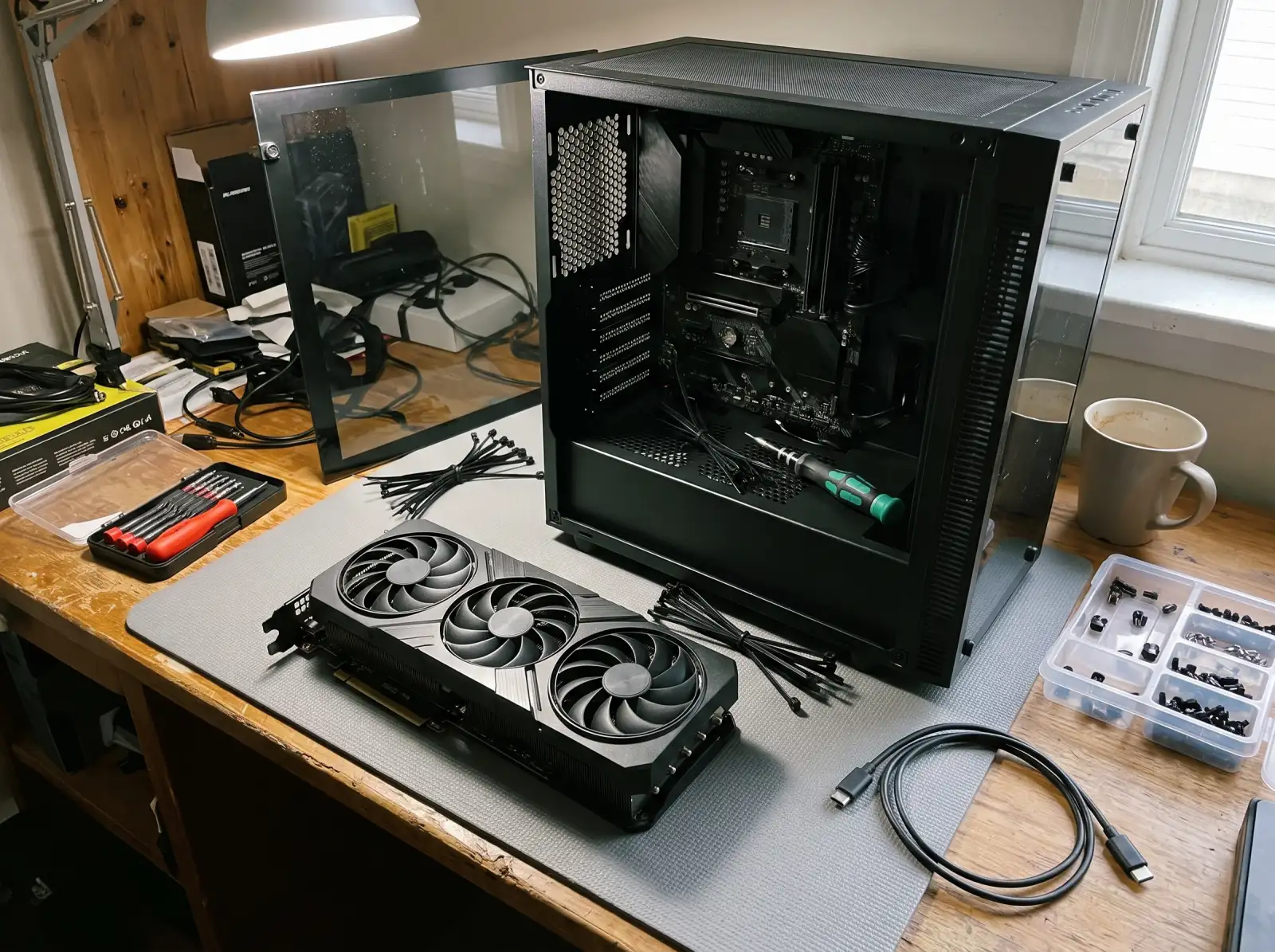
Crashes only when gaming
If the PC is fine on the desktop but crashes or restarts in games, the problem shows up under load. The usual suspects are a power supply that can't hold steady when the graphics card spikes, temperatures that get too high, an unstable memory overclock (including XMP or EXPO profiles), or a graphics driver problem. Note whether it freezes, crashes to desktop, or shuts off completely. They point at different causes.
Artifacts and graphics problems
Colored blocks, flickering lines, or textures that look shattered are called artifacts. They can come from a driver, from a graphics card running too hot, or from failing video memory on the card. Seeing artifacts in the BIOS screen, before Windows loads, points to hardware rather than drivers.
GPU power connectors
The 16-pin power connector (12VHPWR, and the newer 12V-2x6) used on many recent high-end graphics cards has a known history of melting when it isn't fully seated or is bent hard right at the plug. If you smell burning plastic or see discoloring at the plug, power down and don't keep using it.
Heat and noise
Gaming rigs pull a lot of heat. Clogged dust filters, fan curves that never got set up, a cooler pump that failed in an all-in-one liquid cooler, or old thermal paste can all push temperatures up until the system slows itself down.
Upgrades
A new graphics card has to fit the case, and the power supply has to have the wattage and connectors for it. See custom PC builds for planning a full new build.
Common questions
Why does my PC restart when I play games?
Sudden restarts under load are most often the power supply, then overheating. A power supply that's old, undersized for the graphics card, or low quality is a common cause.
Is my graphics card dying?
Artifacts that show up even before Windows loads, crashes that happen in every game, and black screens under load point toward the card. Drivers and heat need to be ruled out first.
Should I turn off XMP if my games crash?
It's a fair test. Memory profiles like XMP and EXPO are overclocks, and not every processor and memory pair is stable at those settings.
Can you clean and re-paste my graphics card?
That's a common fix for a hot card with loud fans. Opening some cards can affect the maker's warranty, so check your card's terms first.
Not sure what's wrong with it?
Describe what it's doing in plain words. That's enough to get started.
Start with the problem, not the jargon.
You don't need to know what part failed. Tell us the make if you know it, what the computer is doing, and when it started. We'll reach out the way you choose and talk through next steps.
- Windows laptops and desktops, Macs, gaming PCs
- Homes and small offices
- Rock Hill, Fort Mill, Tega Cay, York, Clover, Lake Wylie, Indian Land
Helpful if you have it: a photo of any error message, and the model number (usually on a sticker underneath a laptop or on the back of a desktop).