Laptop repair
Laptop repair in Rock Hill, SC
Cracked screens, batteries that die by lunch, keys that stopped typing, and charging ports that only work at one angle.
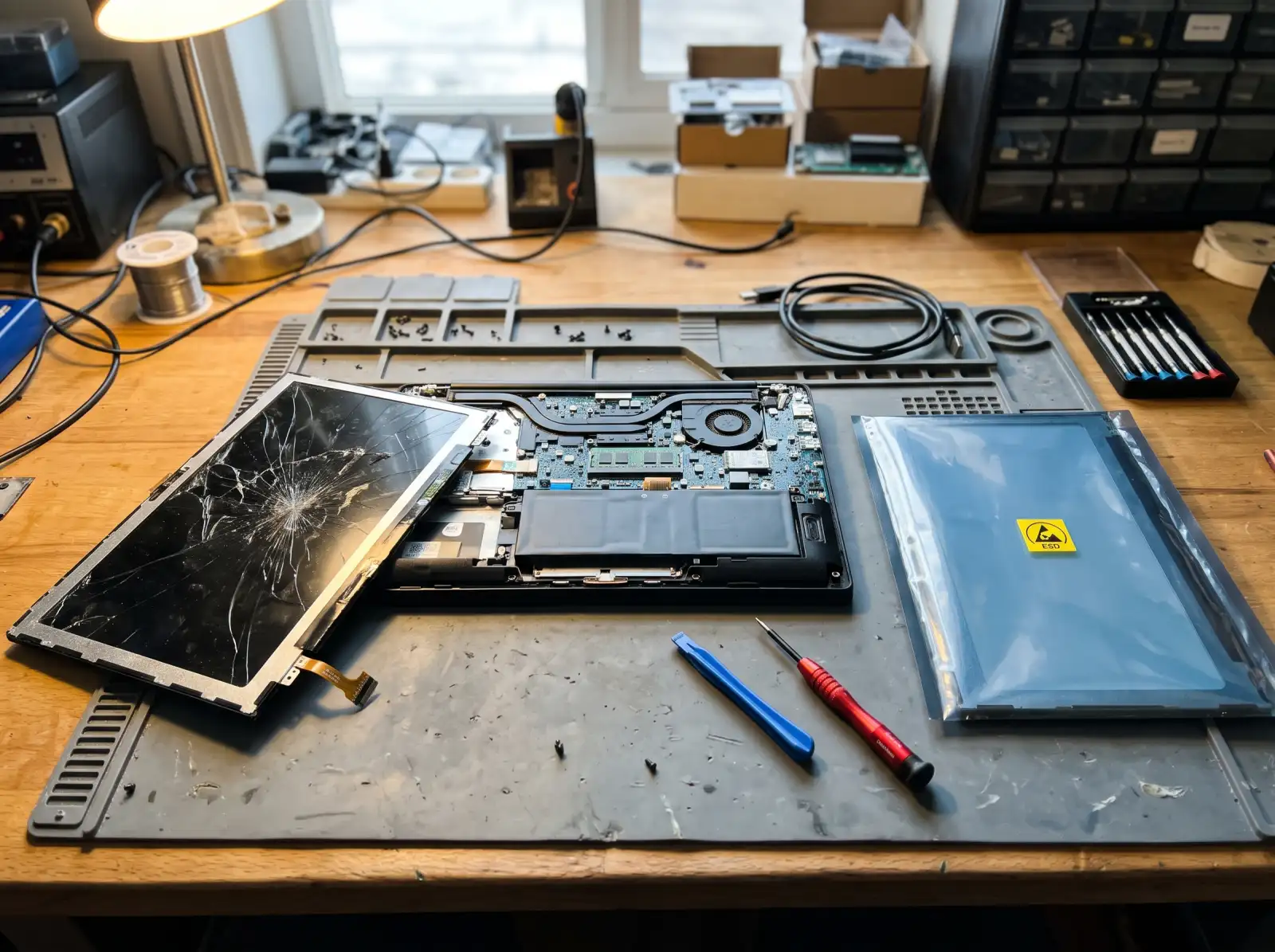
Screen replacement
A cracked or lined screen is usually a swap of the display panel, not the whole lid. The exact panel is identified by the part number printed on the back of the old screen, because two laptops with the same model name can ship with different panels: touch or non-touch, 60 Hz or a higher refresh rate, different resolutions. If the image is fine on an external monitor but bad on the built-in one, the panel or its cable is the likely culprit. If it's bad on both, the problem is further in.
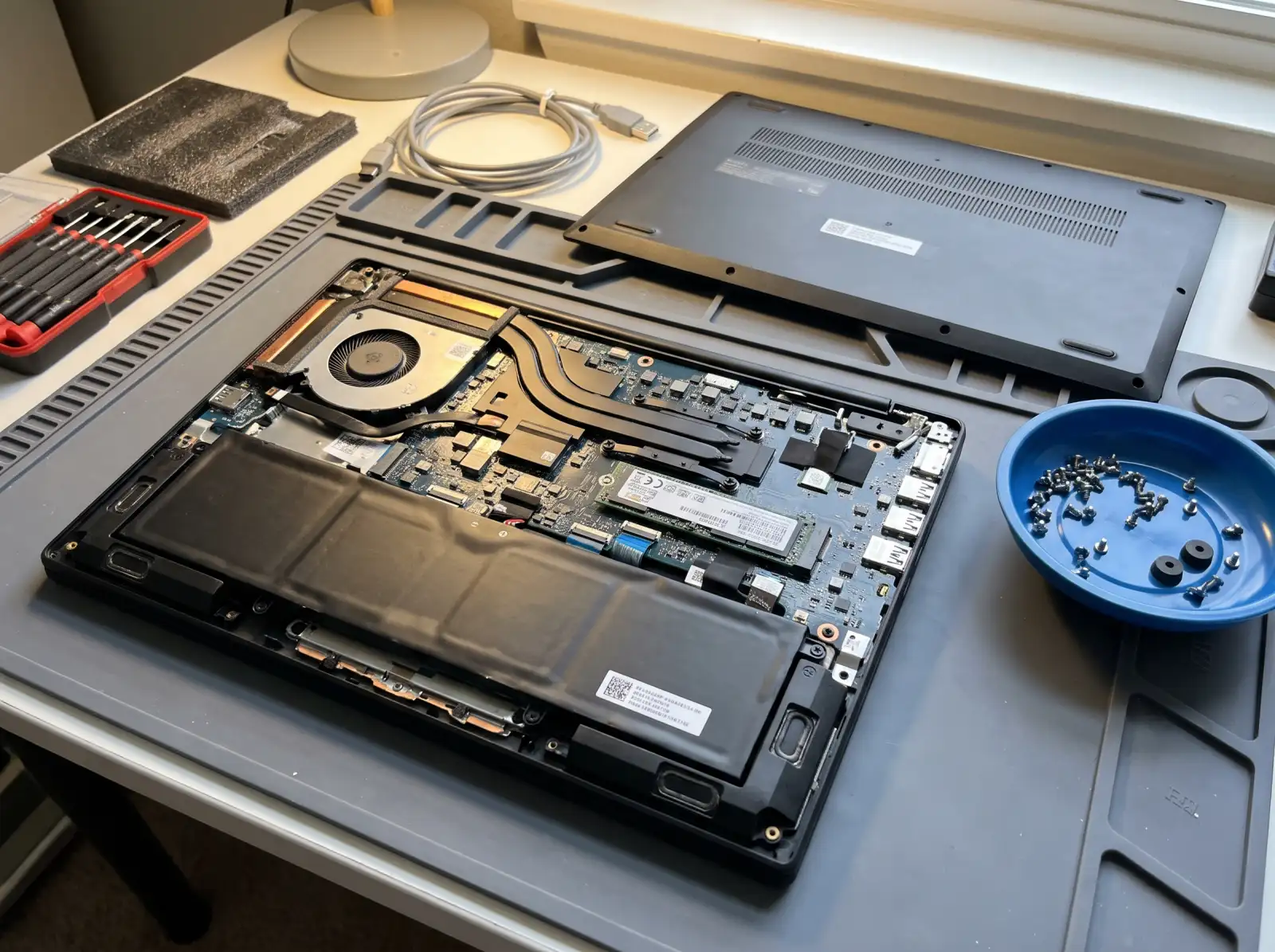
Batteries
Laptop batteries are lithium-ion and wear out with charge cycles. Windows can tell you how far yours has faded: open Command Prompt and run powercfg /batteryreport, then compare "Design capacity" with "Full charge capacity" in the report it saves.
If the battery is swelling, stop using the laptop. Signs: the trackpad stops clicking, the bottom case bulges, or the lid won't close flat. Unplug it, keep it off soft surfaces, and don't try to press the case back together. A swollen battery is a fire risk.
Keyboards
Spills and dead keys are the usual reasons. On a lot of current laptops the keyboard is riveted or glued into the top case instead of screwed in, so "new keyboard" can mean replacing the whole palm-rest piece. After a spill, power it off and unplug it right away. Don't turn it back on to check if it still works.
Charging ports and power
A charger that only works when the cord is held at an angle usually points to a worn jack or a broken solder joint. Many newer laptops charge over USB-C, which wears too. On some models the jack sits on a short replaceable cable; on others it is soldered to the motherboard, which is a bigger job. Try a second known-good charger first if you can, since chargers fail too.
Hinges and cases
A hinge that creaks or a lid that flops open is often a hinge mount pulling loose from the plastic around it. It's worth fixing early, because a loose hinge keeps flexing the screen cable each time you open the lid.
Common questions
Is it worth fixing an older laptop?
It depends on what failed and what the laptop is. A battery, keyboard or SSD on a decent machine is usually worth doing. A cracked screen plus a failing motherboard on a budget laptop often isn't. We'll tell you plainly which side of that line yours falls on.
Will I lose my files during a laptop repair?
Screen, battery, keyboard and port repairs don't touch the drive. Still, back up anything important first if the laptop will turn on. If it won't, say so in the request and we can talk about getting the files off.
What should I do right after spilling something on my laptop?
Shut it down and unplug it right away. Don't power it back on to test it, and don't use a hair dryer on it. Turn it upside down in a tent shape to let liquid drain, then get it looked at.
Can you replace just one broken key?
Sometimes. If only the keycap or its clip broke, it can often be replaced on its own. If the key doesn't register at all, the problem is usually the keyboard underneath.
Not sure what's wrong with it?
Describe what it's doing in plain words. That's enough to get started.
Start with the problem, not the jargon.
You don't need to know what part failed. Tell us the make if you know it, what the computer is doing, and when it started. We'll reach out the way you choose and talk through next steps.
- Windows laptops and desktops, Macs, gaming PCs
- Homes and small offices
- Rock Hill, Fort Mill, Tega Cay, York, Clover, Lake Wylie, Indian Land
Helpful if you have it: a photo of any error message, and the model number (usually on a sticker underneath a laptop or on the back of a desktop).