Mac repair
Mac and MacBook repair in Rock Hill, SC
MacBooks that say 'Service Recommended,' Macs stuck on the Apple logo, and older iMacs that slowed to a crawl.
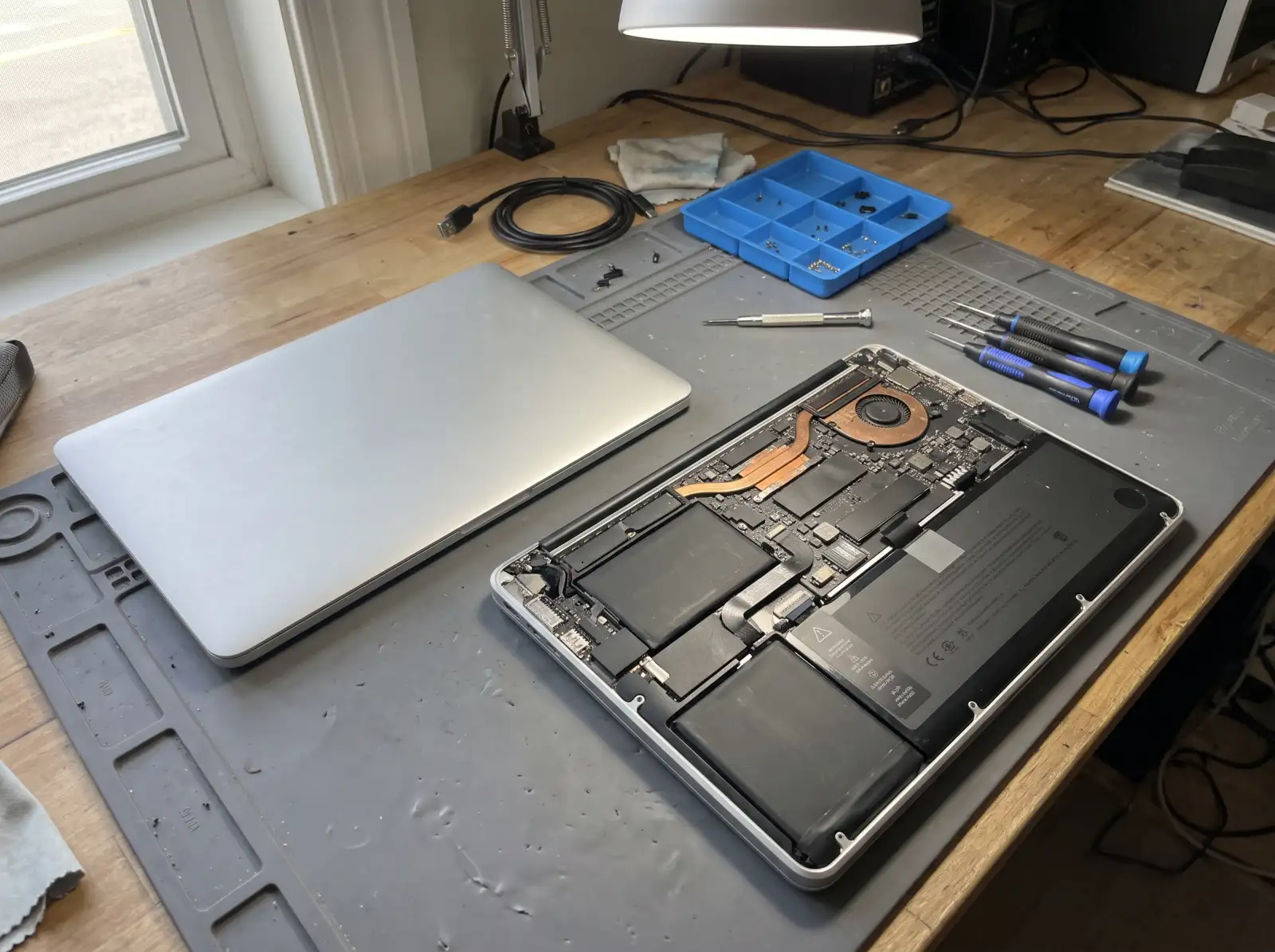
Which Mac you have changes the options
Click the Apple menu, then About This Mac. If it lists a chip such as M1, M2, M3 or M4, it's an Apple silicon Mac (2020 and later). If it lists an Intel processor, it's older. On Apple silicon Macs, memory and storage are part of the chip package or soldered to the board and can't be upgraded. Some older Intel Macs can take more memory or an SSD, which can bring a slow one back to life.
Batteries
macOS tracks battery health. Go to System Settings, Battery, and click the info button next to Battery Health. "Service Recommended" means the battery has worn down. As with any laptop, a battery that swells and lifts the trackpad or bottom case should be dealt with right away.
A Mac that won't start
- Stuck on the Apple logo or a progress bar that never finishes
- A circle with a line through it, or a folder with a question mark (the Mac can't find a usable system)
- No chime and no picture at all
macOS has a built-in recovery mode that can repair the disk or reinstall macOS. On Apple silicon, shut down and hold the power button until startup options appear. On Intel Macs, hold Command and R while it starts. Reinstalling macOS from Recovery keeps your files, but back up first if the Mac will let you.
Slow Macs and adware
Macs do get unwanted software, mostly adware and fake "cleaner" or "antivirus" apps. Check System Settings, General, Login Items for things you don't recognize. A full startup drive also slows a Mac down badly.
Common questions
Can a MacBook battery be replaced?
Yes. On many recent MacBooks the battery is glued in, which makes it a more involved job than on older models, but it is replaceable.
Can I add more memory to my Mac?
Not on Apple silicon Macs, and not on many later Intel laptops either. Some older iMacs and Mac minis can take more memory. About This Mac tells you what you have.
Will reinstalling macOS erase my files?
Reinstalling from macOS Recovery normally keeps your files and apps. Erasing the disk first is a separate step. Back up with Time Machine before either.
Can you get files off a Mac that won't start?
Often, yes. Options depend on the model, because many newer Macs have storage built into the board and encrypted. See data recovery.
Not sure what's wrong with it?
Describe what it's doing in plain words. That's enough to get started.
Start with the problem, not the jargon.
You don't need to know what part failed. Tell us the make if you know it, what the computer is doing, and when it started. We'll reach out the way you choose and talk through next steps.
- Windows laptops and desktops, Macs, gaming PCs
- Homes and small offices
- Rock Hill, Fort Mill, Tega Cay, York, Clover, Lake Wylie, Indian Land
Helpful if you have it: a photo of any error message, and the model number (usually on a sticker underneath a laptop or on the back of a desktop).