Data recovery
Data recovery in Rock Hill, SC
Family photos on a laptop that won't start, an external drive that stopped showing up, or a folder deleted by mistake.
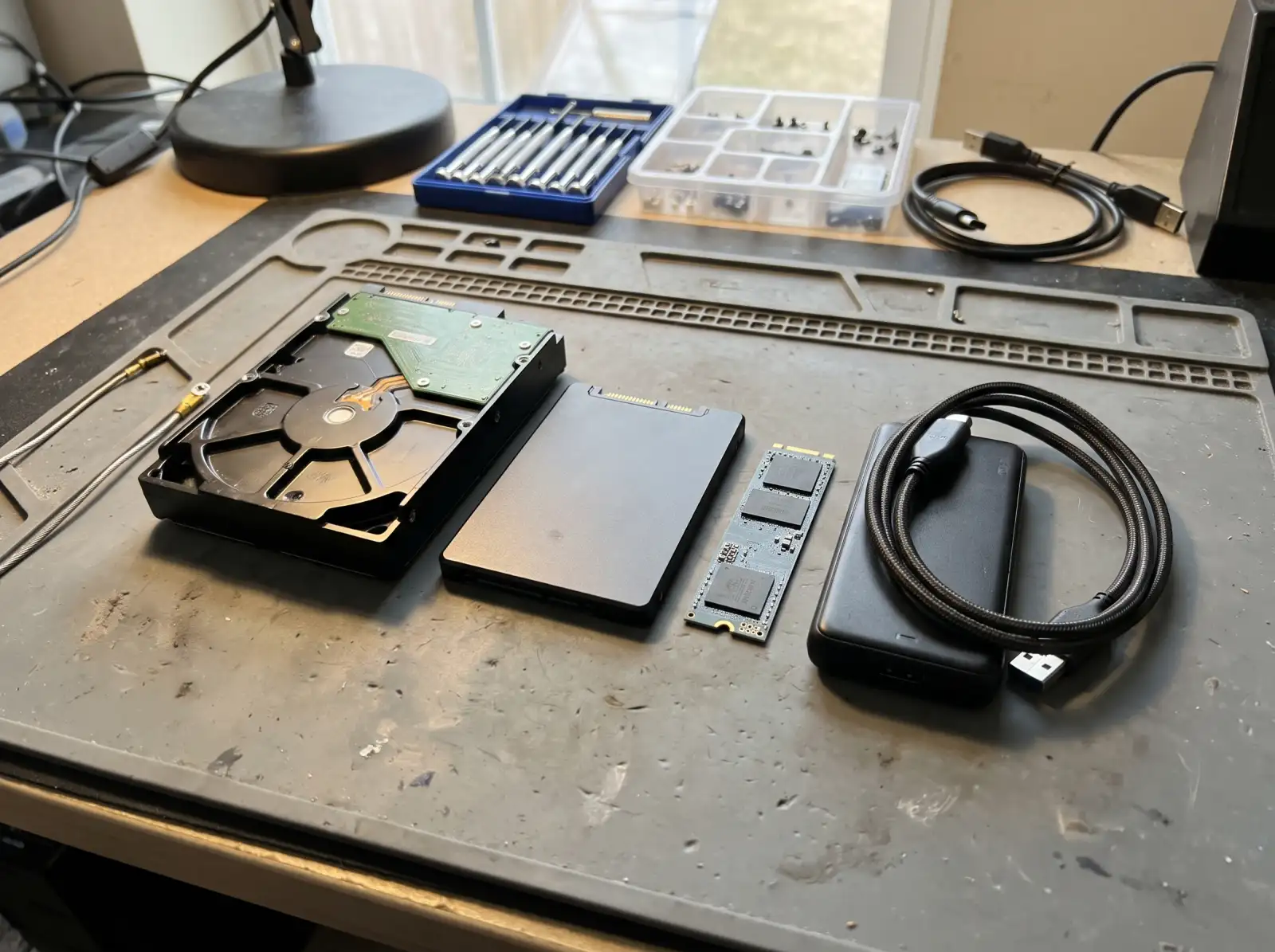
Stop using the drive. Every time a failing drive spins up, it can get worse. Every file you save after deleting something can overwrite what you're trying to get back. If a drive is clicking, grinding or beeping, turn it off and leave it off.
Which situation are you in?
The drive is fine, the computer isn't
Laptop won't boot, Windows is broken, or the screen died. The drive itself still works, so the files can usually be copied off by connecting it to another computer. This is the most common case and the most hopeful one.
The drive itself is failing
Clicking, very slow access, files that won't open, or a drive the computer only sees some of the time. Recovery means copying what can be read as gently as possible, once, onto a healthy drive.
Deleted files
On a traditional hard drive, deleted files often stay recoverable until something overwrites them. On an SSD, Windows usually tells the drive to clear deleted space (a feature called TRIM), so deleted files on an SSD are often gone quickly. Check the Recycle Bin and any cloud backup like OneDrive first.
When it needs a clean-room lab
A drive with physical damage inside, such as failed read heads (the clicking sound) or a drive that was dropped while running, has to be opened in a clean-room lab. That's specialized, expensive work. If your drive is in that category, we'll tell you so before anything is attempted, so a failed home-style attempt doesn't make the lab's job harder.
Encrypted drives
Many Windows 11 computers turn on device encryption (BitLocker) automatically. If the drive is encrypted, the files can't be read without the recovery key. If you sign in to Windows with a Microsoft account, the key is usually saved at account.microsoft.com under Devices. Find it before the repair if you can.
Common questions
Can you recover files from a laptop that won't turn on?
Usually. If the laptop's drive itself is healthy, the files can be copied off by connecting the drive to another computer. The laptop doesn't need to be fixed first.
My external hard drive isn't showing up. Is everything gone?
Not necessarily. Try a different cable and USB port first. If it clicks, beeps or doesn't spin, stop plugging it in and get it looked at, since repeated attempts can make a mechanical failure worse.
Can deleted files be recovered?
Often from a traditional hard drive, if you stop using it quickly. Less often from an SSD, because of TRIM. Check the Recycle Bin, OneDrive or iCloud first.
What is a BitLocker recovery key and where do I find it?
It's the 48-digit key that unlocks an encrypted Windows drive. If you use a Microsoft account, it's usually saved in that account under Devices at account.microsoft.com. Without it, the data on an encrypted drive can't be read.
Not sure what's wrong with it?
Describe what it's doing in plain words. That's enough to get started.
Start with the problem, not the jargon.
You don't need to know what part failed. Tell us the make if you know it, what the computer is doing, and when it started. We'll reach out the way you choose and talk through next steps.
- Windows laptops and desktops, Macs, gaming PCs
- Homes and small offices
- Rock Hill, Fort Mill, Tega Cay, York, Clover, Lake Wylie, Indian Land
Helpful if you have it: a photo of any error message, and the model number (usually on a sticker underneath a laptop or on the back of a desktop).