Upgrades & custom builds
SSD and RAM upgrades and custom PC builds in Rock Hill
Give an older computer a faster drive and more memory, or build a new desktop around what you actually do on it.
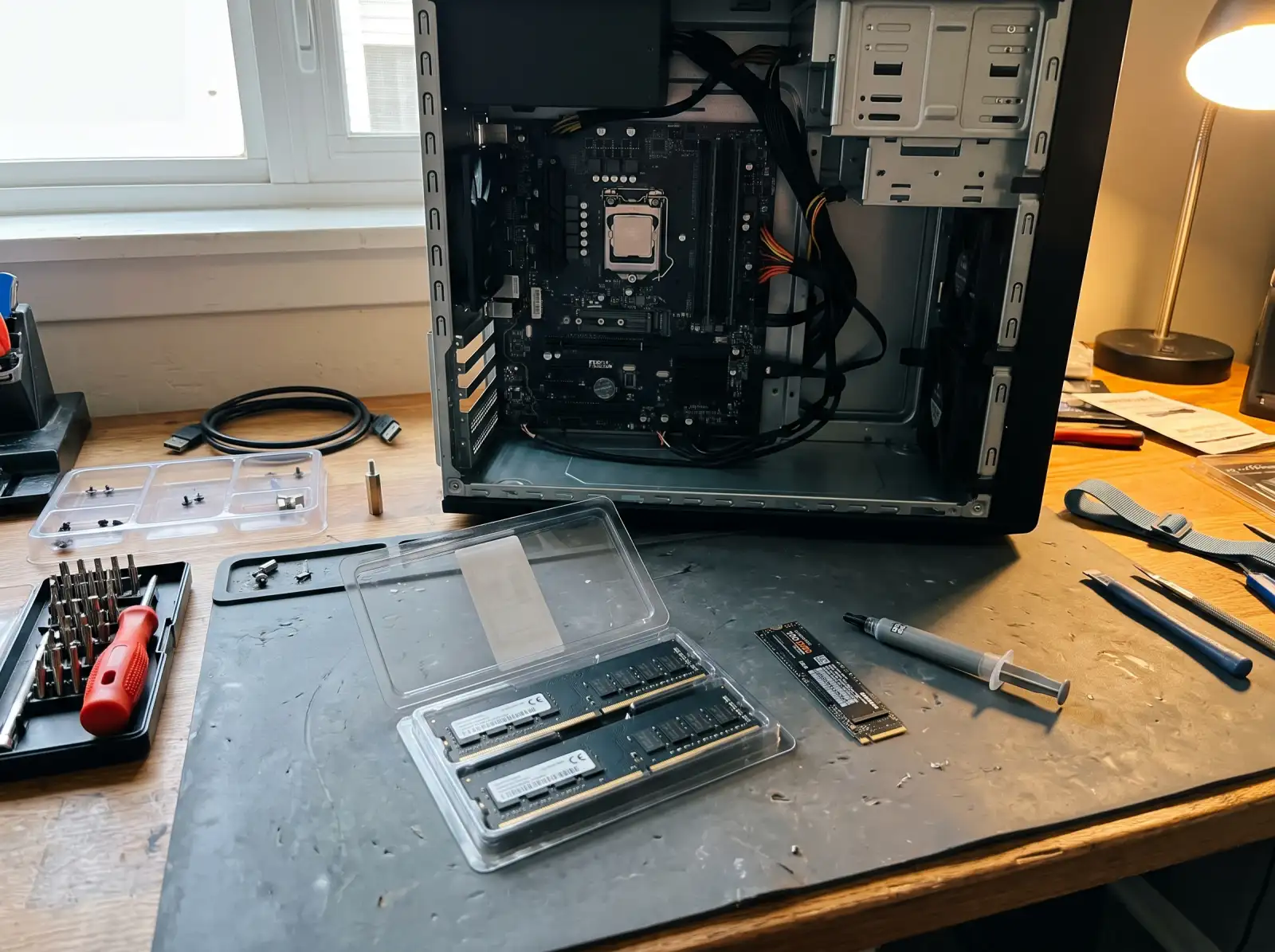
SSD upgrades
Moving from a spinning hard drive to an SSD is the single biggest speed upgrade for an older computer: faster startups, programs that open right away, and no more waiting on the drive. Your existing drive can usually be cloned to the new one, so Windows, your programs and your files come over as they were.
Not every SSD fits every computer. The common types are 2.5-inch SATA drives (the same size as a laptop hard drive), M.2 SATA, and M.2 NVMe. An M.2 slot may take one type or both, so the motherboard or laptop model decides what goes in.
RAM upgrades
Memory has to match what the motherboard supports. DDR4 and DDR5 are not interchangeable and won't fit each other's slots. Some laptops have memory soldered to the board with no free slot, so they can't be upgraded at all. Desktops are almost always upgradable.
- Check what you have: Task Manager, Performance tab, Memory. It shows the amount, speed and how many slots are in use.
- Buying in matched pairs and filling slots in the order the motherboard manual lists gets the most out of it.
Custom PC builds
A custom build starts with what the computer is for: office work, photo or video editing, a home server, or gaming at a certain resolution. That decides where the budget goes. A video editing PC needs memory and a fast drive more than a top graphics card. A gaming PC is the opposite.
A build covers picking compatible parts (processor socket, memory type, power supply size, case fit for the graphics card), assembly and cable management, updating the motherboard firmware, installing Windows and drivers, and checking temperatures under load. For gaming-specific problems on an existing rig, see gaming PC repair.
Common questions
Will I lose my files when upgrading to an SSD?
No. The usual approach clones your old drive to the new SSD, so everything comes over. Back up your important files anyway before any drive work.
Can my laptop's RAM be upgraded?
It depends on the model. Many thin laptops have memory soldered to the board. Others have one or two slots. The model number tells us which.
Can I buy the parts myself for a custom build?
That's something to talk through when we reach out. If you already have parts, list them in your request so compatibility can be checked.
Can Mac memory or storage be upgraded?
Not on Apple silicon Macs, which have memory and storage built into the chip package or board. Some older Intel Macs can. See Mac repair.
Not sure what's wrong with it?
Describe what it's doing in plain words. That's enough to get started.
Start with the problem, not the jargon.
You don't need to know what part failed. Tell us the make if you know it, what the computer is doing, and when it started. We'll reach out the way you choose and talk through next steps.
- Windows laptops and desktops, Macs, gaming PCs
- Homes and small offices
- Rock Hill, Fort Mill, Tega Cay, York, Clover, Lake Wylie, Indian Land
Helpful if you have it: a photo of any error message, and the model number (usually on a sticker underneath a laptop or on the back of a desktop).